How to use the materials
- Find materials by keyword or category.
- On the material page, check the images and usage rules and precautions.
- Select ‘Save PNG’ below the image you want to save.
- Import the images into your editing software and combine them. You can also print them.
If an image opens in your browser, use your device or browser’s image-saving command.
What can I do with the materials?
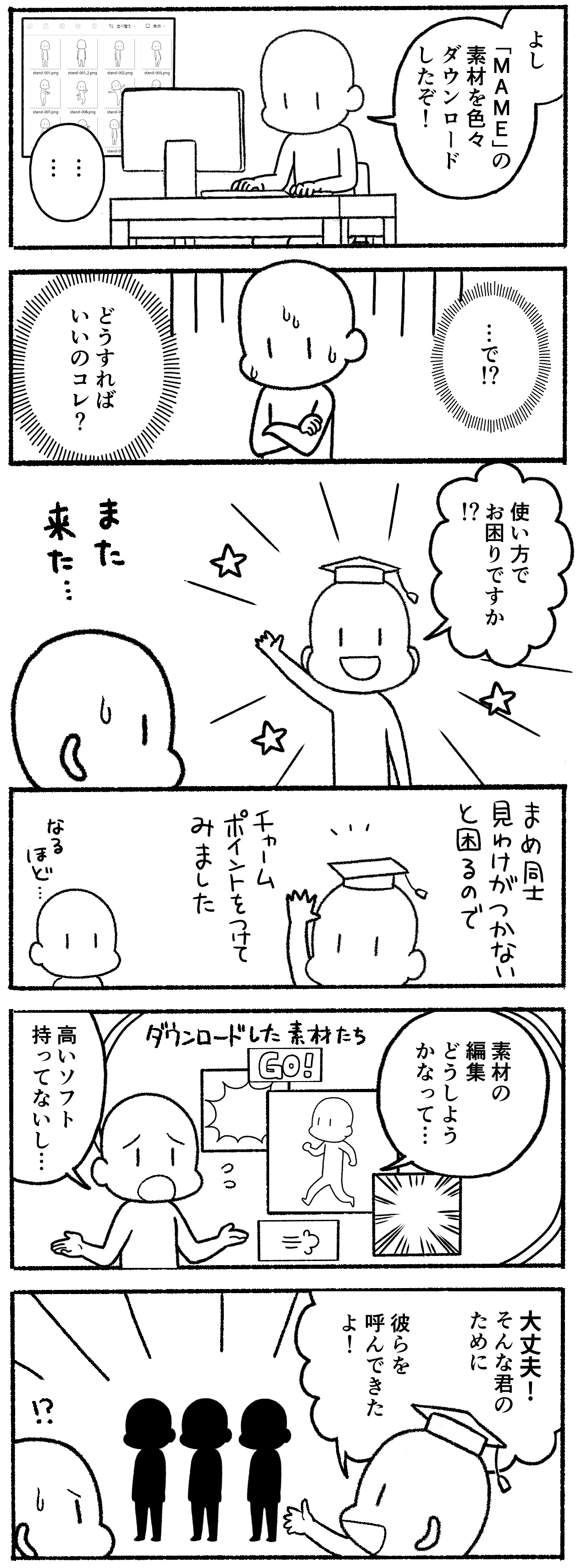
‘Anyone can make comics with Manga Materials!’
But how do you actually use them?
The following pages show different ways to use the materials.
Ways to use Mame
Beginner: Have fun with Mame!
(Print and use on paper)

See how to print and use the materials
Intermediate: Use Mame at work
(Use in Excel and Word)
See how to use the materials in Word, Excel, and more
Advanced: Use Mame in your creative services
(For freelance creators and comic artists)